Standalone vs. Managed Chat Widgets for n8n
A clear breakdown of the two widget modes available on n8nchatui.com: how they differ, what each one offers, and which one fits your use case.

N8N Chat UI Team
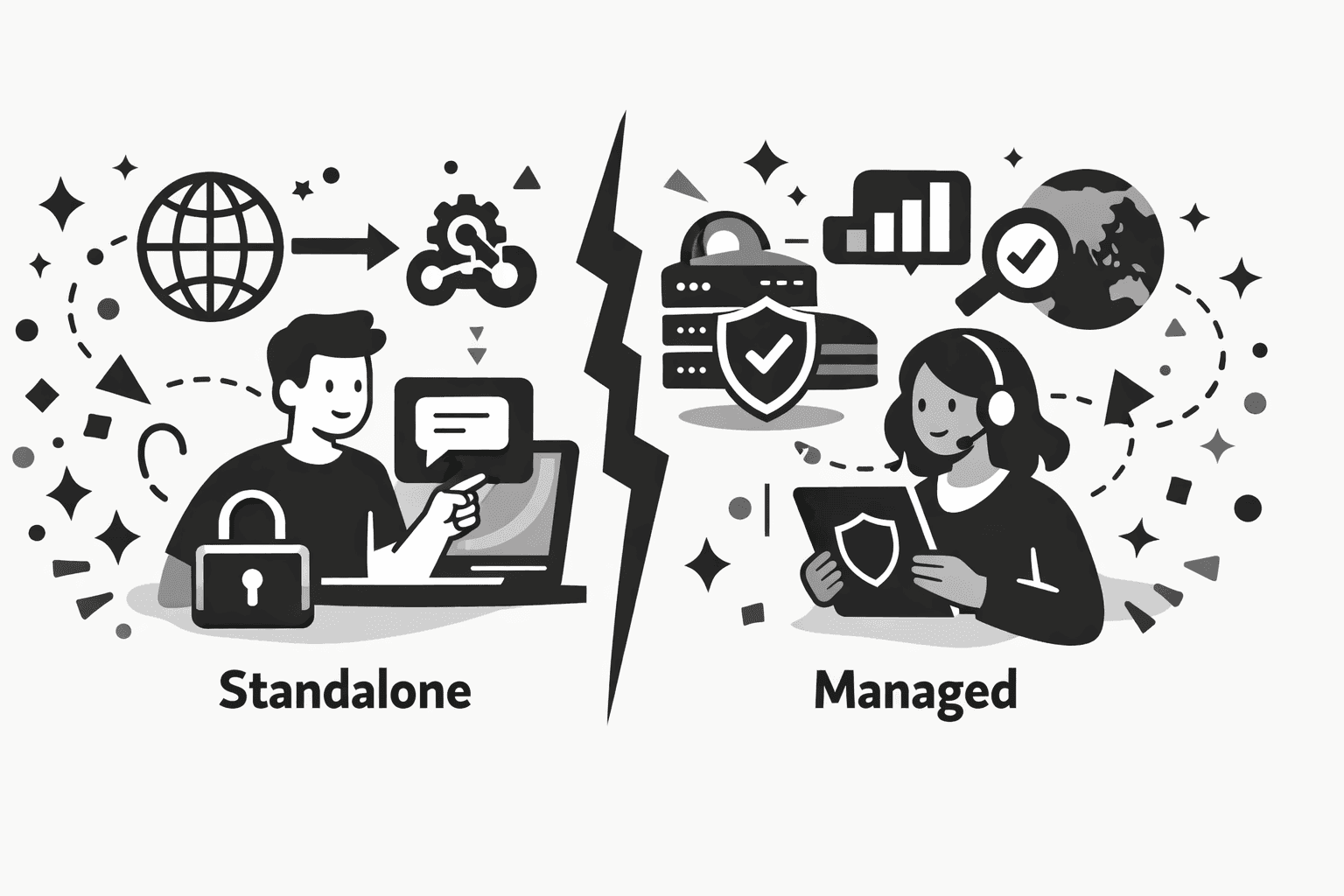
When you create a chat widget on n8nchatui.com, one of the first decisions you'll make is choosing between two widget types: Standalone and Managed.
Both give you the same visual editor, the same customization options, and the same ability to embed a chat widget on any website, including WordPress. The difference is in how your widget communicates with your n8n webhook and what features come along with that.
- How each widget type talks to your n8n webhook.
- The exact features you unlock with Managed widgets.
- A side-by-side comparison across 10 factors that matter.
- Clear guidance on when to pick Standalone vs. Managed.
If you haven't set up a widget yet, check out our step-by-step guide to creating a custom n8n chat widget first. Otherwise, read on to figure out which type is the right fit for your project.
1. How Standalone Widgets Work
A Standalone widget is the simplest setup. You design your widget in the visual editor, copy the embed code, and paste it into your website. When a user sends a message, the widget calls your n8n webhook directly from the browser. There's no middleman involved.
Messages go straight from the user's browser to your n8n webhook.
No traffic passes through any proxy or third-party server.
Your webhook URL is included in the embed code on the client side.
Standalone widgets are free to use, forever.
If you want to unlock premium features like footer customization and custom CSS, you can purchase a one-time Standalone License. No subscription, no recurring fees.
2. How Managed Widgets Work
A Managed widget adds a layer between your chat widget and your n8n webhook. Instead of calling your webhook directly, messages are routed through our secure proxy server. This unlocks a set of features that aren't possible with a direct connection.
Your n8n webhook URL stays private and is never exposed in the frontend code.
Track widget usage, user behavior, devices, browsers, and geographic data.
Update your widget from the dashboard and see changes reflect instantly on your site without re-embedding code.
Domain restrictions, geofencing, and rate limiting through the secure proxy.
Chat messages are never cached, stored, or logged. They're forwarded directly to your backend in real time.
Managed widgets run on a credit-based model. Each message processed through the proxy consumes one credit. Credits are prepaid, consumed in FIFO (first in, first out) order, and expire based on the plan you choose, from 3 months on Starter/Growth up to 1 year on Ultimate. All premium features are unlocked automatically, so there's no separate license purchase needed.
3. Side-by-Side Comparison
| | Standalone | Managed |
| -------------------- | ----------------------------------- | -------------------------------------------- |
| Architecture | Direct browser-to-webhook | Routed through secure proxy |
| Webhook URL exposure | Visible in embed code | Hidden and encrypted |
| Analytics | None | Full usage, device, and geographic analytics |
| Centralized updates | No (requires re-embedding) | Yes (changes apply instantly) |
| Rate limiting | None | Configurable per-widget |
| Domain restrictions | None | Whitelist specific domains |
| Country restrictions | None | Geofencing support |
| Message privacy | Between browser and webhook | Messages forwarded, never stored |
| Pricing | Free (license for premium features) | Credit-based (1 credit per message) |
| Premium features | Requires license purchase | All unlocked |
Both give you the same editor. The difference is entirely in how the widget reaches your n8n backend.
4. When Standalone Is the Right Choice
Standalone widgets work well when you want a simple, no-cost setup and don't need the extra infrastructure. Common scenarios:
For example, it's on a private network or behind its own auth.
A single-purpose internal tool, a prototype, or an experiment.
You'd rather buy a license once than pay per message.
Your widget talks straight to your workflow, and nothing else.
5. When Managed Is the Better Fit
Managed widgets are built for production use cases where security, visibility, and control matter. Consider Managed if:
Real users, real traffic, and a real reputation to protect.
Nobody should be able to call your workflow directly from outside the widget.
See our n8n chatbot analytics guide for a full breakdown.
Rate limiting, domain whitelisting, and country restrictions built in.
Design and behavior changes push instantly from the dashboard.
Centralized management across multiple projects from one place.
6. Can You Switch Between Them?
Standalone and Managed are separate systems. A Standalone License doesn't apply to Managed widgets, and vice versa. You don't need a Standalone License if you're using Managed widgets, because all premium features are already included.
That said, you can convert a widget from Standalone to Managed (or the other way around) at any time from the dashboard. Your customization and design settings are preserved during the conversion. You'll just need to update the embed code on your site to reflect the new widget type.
Wrapping Up
Both widget types give you the same powerful visual editor and the same customization capabilities. The choice comes down to how you want your widget to communicate with your n8n workflow and what level of control you need around that connection.
- Simple, direct setup with no recurring costs.
- Perfect for internal tools and prototypes.
- One-time license unlocks premium design features.
- Best when your webhook is already protected.
- Webhook stays private behind a secure proxy.
- Real-time analytics and error tracking included.
- Rate limits, geofencing, and domain whitelisting.
- Dashboard updates apply to your live site instantly.
Whichever you pick, n8n chat streaming works the same. Enable streaming in your workflow, and the widget streams word-by-word responses automatically. Read our n8n chat streaming guide for the full setup.
Pick the widget type that fits, and ship it.
Both give you the same visual editor. Standalone is free and direct. Managed adds analytics, security, and centralized updates.
More Articles
Create a Custom n8n Chat Widget (No Code)
A step-by-step guide to creating a fully customizable chat widget that connects to your n8n workflows and embed it on any website. No coding required.
March 4, 2026
n8n Chatbot Analytics: Track Usage, Sessions, and Performance
Stop guessing how your n8n chatbot is performing. Here's how to get real visibility into what's actually happening, all from one dashboard.
March 4, 2026
How to Add a Free Chat Widget to WordPress (No Plugin)
Embed a free, AI-powered chat widget on any WordPress site in minutes with no plugin and no code. Connect it to n8n and customize every detail.
March 10, 2026
n8n Chat Streaming: A Complete Setup Guide
Turn slow, wait-and-see AI chatbot responses into a real-time streaming experience. Learn how to set up chat streaming in n8n and connect it to a chat widget on your website.
April 2, 2026